

Download Google Sheets APK – Spreadsheet Tool, Cloud-Based, Mobile App, Google Drive Integration
Overview
Google Sheets APK is a mobile version of the widely used cloud-based spreadsheet application, designed for users who need to create, edit, and manage spreadsheets on Android devices. Built by Google, the software enables seamless access to documents stored in Google Drive, allowing users to work across multiple platforms with consistent data synchronization. The app is ideal for professionals, students, and teams requiring on-the-go spreadsheet access and real-time collaboration capabilities.
It supports offline viewing and editing, ensuring productivity even without an internet connection. All changes are automatically saved, eliminating the need for manual save actions. The software is particularly suited for users who rely on Google’s ecosystem, including Gmail, Drive, and Calendar, for daily workflows.
It is especially beneficial for remote teams, educators, and small business owners managing budgets, schedules, or inventory. While the app includes core spreadsheet functions such as cell formatting, basic formulas, sorting, and merging, it does not support advanced features like pivot tables or the full range of functions available in desktop versions. Additionally, it does not natively support XLS file formats, which may limit its usefulness for users heavily invested in Microsoft Office.
The developer did not provide additional system requirements.
Key Features & Capabilities
- Cloud-Based Access: All spreadsheets are stored on Google Drive, enabling access from any device with an internet connection. Users can open, edit, and save documents across phones, tablets, and computers.
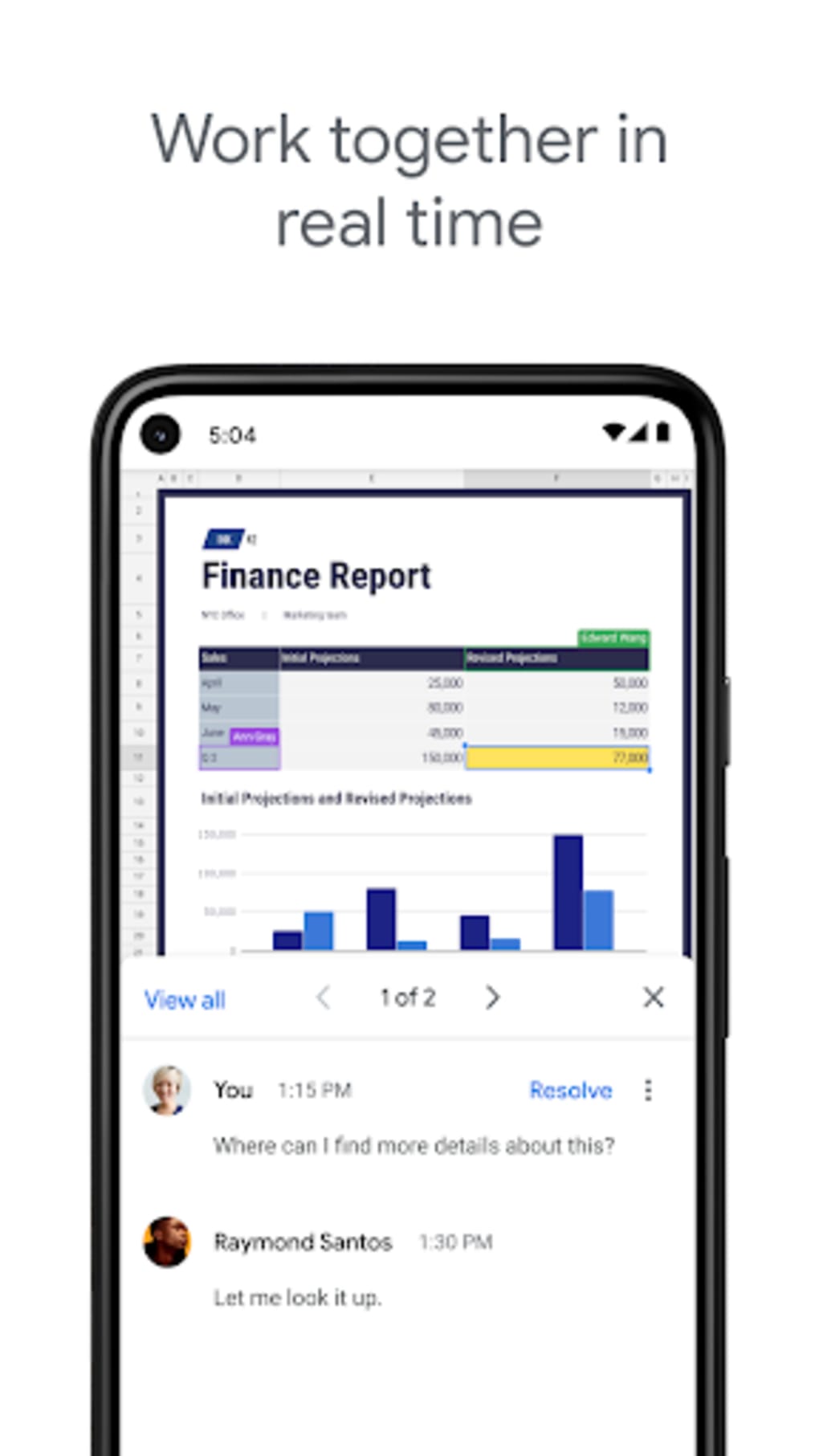
- Real-Time Collaboration: Multiple users can edit the same document simultaneously, with changes visible instantly. This is ideal for team projects, remote work, and group assignments.
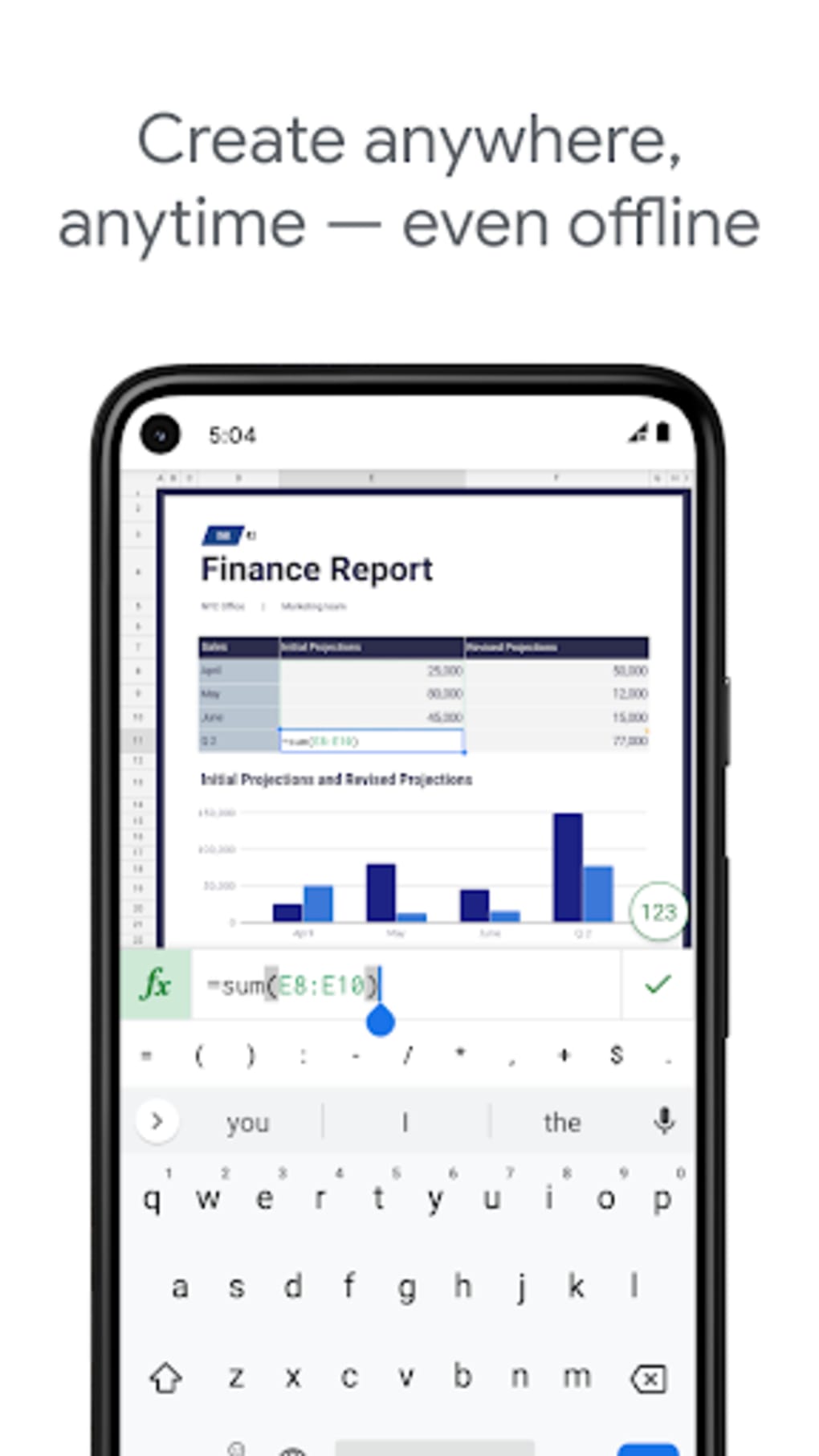
- Offline Editing: Users can view and edit spreadsheets without an internet connection. Changes are synced once the device reconnects to the web.
- Auto-Save Functionality: All edits are automatically saved in real time, reducing the risk of data loss due to accidental closure or crashes.
- Formula Support: Basic formulas and operations are available, allowing users to perform calculations and data analysis directly on mobile devices.
- Enhanced Navigation: The app includes an "Incoming" tab that displays all shared spreadsheets in chronological order, streamlining access to collaborative documents.
- Improved Accessibility: Support for screen readers and assistive technologies has been added, enhancing usability for users with visual impairments.
- Cell Insertion in Formulas: Users can tap on a cell to insert its reference directly into a formula, simplifying formula creation and reducing errors.
These features make Google Sheets APK a practical tool for quick data entry, team-based reporting, and managing daily tasks. It is particularly effective for users who prioritize accessibility, cloud integration, and real-time teamwork over advanced data modeling.
User Interface, Workflow & Performance
The user interface of Google Sheets APK follows a clean, functional design with a pull-out navigation menu that provides access to Google Drive files, starred items, and local documents. Users can view their spreadsheets in list or grid format, with thumbnail previews to help identify files quickly. The editing ribbon appears at the top of the screen, housing essential tools for formatting, inserting formulas, and managing data.
On smaller screens like smartphones, the ribbon may require horizontal sliding to access all options, which can be slightly cumbersome. On tablets, the larger display offers a more comfortable and efficient editing experience. The workflow is intuitive for users familiar with Google’s ecosystem, with minimal learning curve.
Navigation between sheets, folders, and documents is straightforward. The developer did not specify resource usage details. Performance observations are based on general software behavior patterns.
Stability appears consistent across devices, with no reported issues related to crashes or data corruption. The app maintains responsiveness during basic operations such as data entry, sorting, and formula calculation.
Compatibility & System Requirements
Google Sheets APK is designed for Android devices and integrates with Google Drive. The app supports the latest versions of Android, though specific version requirements were not listed. Installation size is not specified.
The developer did not provide additional system requirements. Platform compatibility information is limited. Users should ensure their device meets the minimum Android version required by Google’s official app distribution channels.
For optimal performance, it is recommended to use devices with sufficient RAM and storage space to handle cloud-synced files and background processes. The app functions with both Wi-Fi and mobile data connections, though offline functionality may depend on available local storage.
Pros and Cons
Pros
- Free to use with no licensing fees
- Seamless integration with Google Drive and other Google services
- Real-time collaboration across multiple users
- Supports offline viewing and editing
- Auto-save eliminates manual backup concerns
- Improved accessibility features for visually impaired users
- Intuitive navigation with an "Incoming" tab for shared files
- Tap-to-insert cell references in formulas
Cons
- Does not support XLS file format
- Limited support for advanced functions and pivot tables
- No built-in search feature within a spreadsheet
- Cannot insert notes or comments
- Editing ribbon may be difficult to navigate on small screens
- Full functionality not available compared to desktop version
FAQ Section
Is Google Sheets APK compatible with all Android devices?
Compatibility is not explicitly defined. The app is available through official Android app stores and may require a recent Android version. Users should check their device’s compatibility with the latest Google Play Store requirements.
Can I use Google Sheets without an internet connection?
Yes, the app supports offline viewing and editing. Changes are saved locally and synced once the device reconnects to the internet.
Does Google Sheets support Excel (XLS) files?
No, the app does not support XLS files. It is designed primarily for Google Sheets (.gsheet) and other formats compatible with Google Drive.
Is Google Sheets secure?
Google Sheets uses Google’s cloud security infrastructure. Data is encrypted in transit and at rest. Users should ensure their Google account is protected with strong authentication.
How often are updates released?
Updates are released periodically by Google. Users can enable automatic updates through the Google Play Store to receive the latest features and improvements.
Final Thoughts
Google Sheets APK delivers a reliable, accessible, and collaborative mobile experience for users who depend on cloud-based spreadsheets. While it lacks advanced features found in desktop versions and does not support Excel files, its strengths lie in real-time teamwork, automatic saving, and offline functionality. It is particularly valuable for teams, educators, and remote workers who need consistent access to shared data.
The recent UI improvements, including the "Incoming" tab and cell insertion in formulas, enhance usability and efficiency. For users already invested in the Google ecosystem, this app is a must-have tool. If you need to manage spreadsheets on your Android device with minimal friction, Google Sheets APK offers a solid solution.
Download Google Sheets APK now.





.png)

